
Point of Sale
Fast counter operation with barcode scanning, receipt printing and multiple payment methods.
Point of sale and ERP that connect the counter to stock, accounts and reporting — so a sale updates inventory and the day's figures without anyone retyping them.
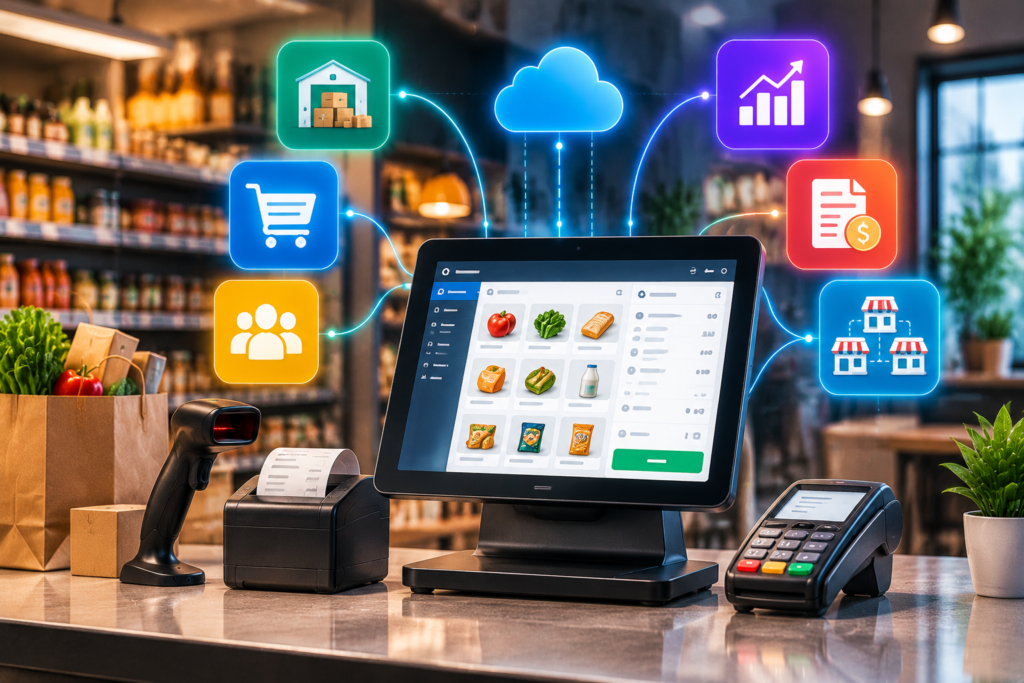
In most shops a sale gets written down three times — once on the receipt, once in the stock register, once in the accounts book — and the three never quite agree by month end.
A connected POS and ERP records it once. Stock falls, the day's sales figure rises, and the accounts entry is made, all from the same scan at the counter.
The counter, the stockroom and the accounts, on one system.
Fast counter operation with barcode scanning, receipt printing and multiple payment methods.
Live stock, purchase orders, supplier records and automatic low-stock alerts.
Sales, expenses, profit reports and exports your accountant can actually work from.
Several outlets on one system, with each staff role seeing only what it should.
We visit your counter and stockroom and map how selling and stocking work now.
Modules configured, custom requirements built, hardware compatibility confirmed.
Products, prices, suppliers and opening stock loaded and verified by you.
Counter staff trained on site, with support through the first busy weeks.
Almost certainly. Standard USB barcode scanners and thermal receipt printers work without special drivers. Tell us the models you have and we will confirm before quoting rather than discovering a problem at installation.
The POS keeps selling. Transactions are stored locally and sync automatically when the connection returns, because a shop that cannot take money during an outage is not an acceptable system in practice.
Yes. Each branch has its own stock and staff, while head office sees consolidated reporting and can transfer stock between locations. Branch managers see only their own data unless you decide otherwise.
We import it — from Excel, from your old system's database, or from a stock count if the records are only on paper. There is a test import you verify before the real one, so nothing goes live until the numbers check out.
Show us how your counter works today and we will show you what changes.